Why Event Organizers Should Avoid Check Payments
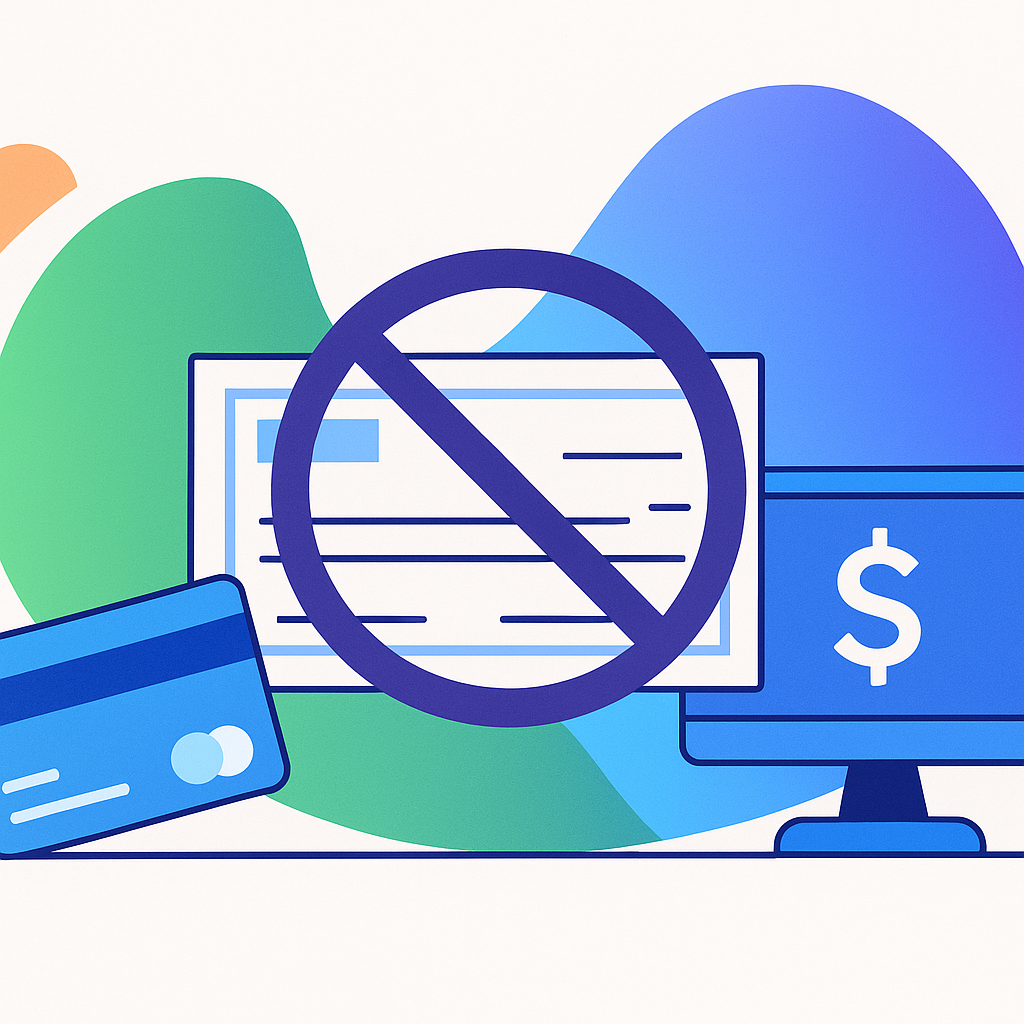

When planning event registration and ticket sales, you might feel tempted to accept check payments. While it may seem flexible, checks are almost always more trouble than they’re worth. They slow down cash flow, create extra manual work, and introduce risks that today’s organizers can avoid.
If removing checks entirely isn’t possible, the next best step is to minimize them. Here are three practical strategies to streamline event payment processing, save time, and protect your event’s revenue.
1. Incentivize Online Payments
The simplest way to keep event registration efficient is to encourage attendees and exhibitors to use online payments. Credit and debit card transactions deposit funds within days, while checks can take weeks or bounce altogether.
A smart tactic is to charge a small handling fee for check payments. For example, if your registration fee is $100, set the check option at $105. This small adjustment covers your additional admin time and nudges participants toward secure online payments.
Even a modest surcharge saves hours of manual work and helps keep your event’s cash flow predictable.
2. Offer Easy Alternatives to Checks
Some registrants may say they don’t have a credit card. In these cases, provide clear alternatives such as:
- Prepaid debit cards
- Reloadable Visa or Mastercard gift cards
- Digital debit options available at most retailers
Sharing these suggestions in your event communications ensures registrants know they have choices beyond checks. This reduces the number of paper payments you process and cuts the risk of bad checks. It also makes event payment processing more reliable and less stressful for your team.
3. Make Checks Less Prominent
If you must accept checks, structure your registration form to prioritize online payments. Place credit and debit card options first, and group any check options in a clearly labeled section at the bottom of your fee list.
This design makes it more likely participants will choose online payments, which benefits your event with faster deposits, reduced manual processing, and improved cash flow.
Smart Planners Protect Their Time and Revenue
Checks once had their place, but modern event management software makes them unnecessary for most events. By:
- Encouraging online payments
- Offering practical alternatives
- Minimizing check visibility
you’ll save time, reduce risk, and protect your cash flow for events.
The less time spent handling paper payments, the more you can focus on creating memorable experiences for attendees.
Final Thoughts
Today’s event organizers have better tools than ever to simplify registration and payments. Streamlined event payment processing doesn’t just save time, it also ensures you can reinvest funds quickly into making your event a success.
With all-in-one event management software, you can manage event registration, secure online payments, and protect cash flow for events without the headaches of outdated methods like checks.
Ready to simplify your event payments? See how ClearEvent makes it easy to streamline registration and payment processing by scheduling your personal demo today!
Frequently Asked Questions (FAQ)
Why should event organizers avoid accepting checks?
Checks take longer to process, delay your cash flow, and create extra manual work compared to secure online payments. They also carry the risk of bounced payments, which can damage your budget and timeline.
Can I charge more for check payments at my event?
Yes, many organizers add a small handling fee to cover the extra effort of processing checks. A modest increase, such as $5, helps encourage participants to choose faster online payment options.
What alternatives can I offer attendees who don’t have credit cards?
You can recommend prepaid debit cards, reloadable Visa or Mastercard gift cards, or other digital debit solutions available at most retail stores. These options give attendees flexibility while keeping your payment process secure.
How do I set up my registration form to minimize check payments?
Place online payment options like credit and debit cards at the top of your registration form. Move check payment options into a separate, clearly labeled section at the bottom so online payments are the default choice.
How does event management software help with payment processing?
Modern event management software integrates event registration with secure online payments, automating deposits and reducing manual work. This ensures steady cash flow for events and frees organizers to focus on creating a great attendee experience.