Boost Event Engagement with Live Polling
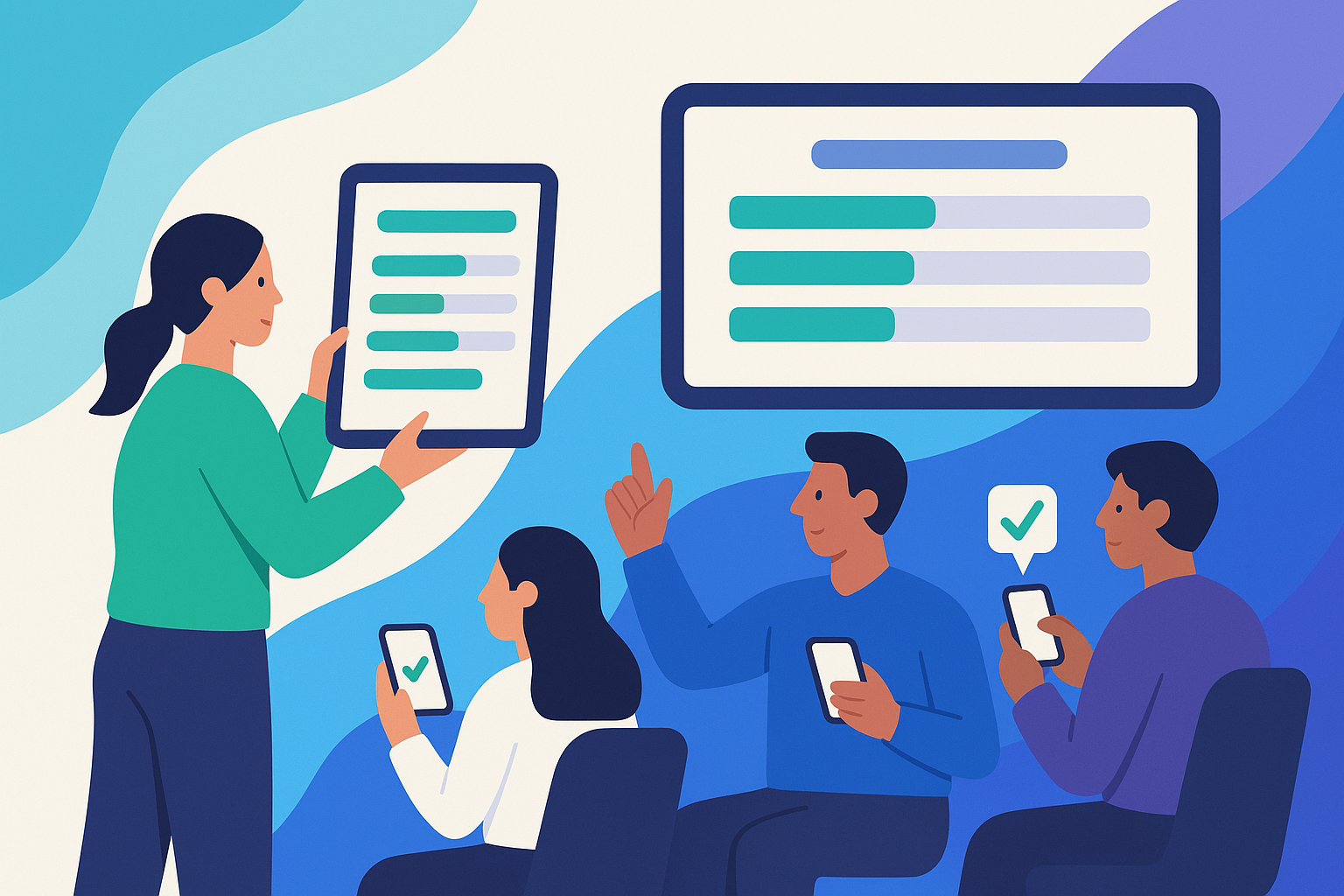
Tired of passive audiences? Live polling at events turns attendees into active participants and is one of the simplest event engagement tools you can add. Polls invite real-time audience participation, help speakers adapt on the fly, and give organizers valuable data for event reporting.
Why Live Polling Works
- Increases participation: Even shy or remote attendees can respond anonymously.
- Instant insights: Results appear in seconds, sparking relevant discussions.
- Boosts engagement: Attendees stay focused when they know their opinions shape the session.
By transforming listeners into contributors, live polling creates a more dynamic and memorable experience.
What Is Live Polling?
Live polling is the practice of asking questions during in-person, online, or hybrid events and letting attendees respond instantly using their devices. As responses roll in, visual results appear for everyone to see. Unlike traditional surveys, this interaction happens in the moment keeping energy high and providing immediate, actionable insights.
How Polling Boosts Engagement
Polls can:
- Break the ice with fun questions at the start.
- Check comprehension after a key section.
- Guide panel discussions by letting the audience rank topics.
- Encourage reflection at the end with satisfaction or takeaway polls.
Well-timed polls not only boost engagement but also help presenters adapt their delivery based on audience needs.
Features to Prioritize in Polling Tools
When evaluating event planning software or polling apps, look for:
- Ease of access: QR codes, short links, or app-based access.
- Low latency: Responses and results update in real time.
- Presenter controls: Open/close polls, moderate input, and decide when to reveal results.
- Export options: Simple CSV or Excel exports for event reporting.
- Accessibility: Large fonts, clear buttons, and options for multiple languages.
Pro tip: Limit answer choices to five or fewer, keep wording neutral, and always test your polls before the event.
Setting Up Live Polls
To get the most from live polling for events:
- Plan your questions. Match them to your agenda such as for icebreakers, knowledge checks, or opinion polls.
- Integrate with your event platform. Ensure polls are accessible via your event app or website.
- Test thoroughly. Run dry runs across different devices to catch issues early.
Running Polls During Your Event
- Introduce clearly: Explain how to access the poll before launching.
- Allow time: Give 30–45 seconds for attendees to respond.
- Display results wisely: Show them live to create excitement or hold results to reveal later.
- Adapt content: If a poll shows confusion, clarify. If it shows strong interest, expand.
Quick Checklist
- Test across devices.
- Announce poll location (QR code, app, or link).
- Launch → Wait → Display → React → Save results.
Best Practices for Maximum Impact
- Use at natural breaks. Opening sessions, mid-presentations, or Q&A are prime times.
- Spark discussion. Highlight surprising results and invite commentary.
- Create continuity. Refer back to earlier poll results later in the program.
- Keep it inclusive. Offer options like “Other” or “Not Applicable,” and keep participation optional.
Using Poll Data for Event Reporting
Poll results aren’t just a snapshot during the event, they provide a roadmap to better events. Analyze responses alongside session attendance and engagement data to identify what worked and what needs refinement. Share summaries with stakeholders or sponsors to demonstrate value.
Actionable ways to apply polling data:
- Refine topics and formats for next year.
- Choose speakers based on audience-rated sessions.
- Improve logistics (e.g., timing or room layouts).
- Strengthen sponsor reports with clear attendee insights.
Make Every Voice Count
Live polling is an effective event engagement tool available to event planners. By encouraging real-time audience participation, live polling energizes sessions, improves learning, and gives organizers rich insights for event reporting.
Start small: try one icebreaker, one mid-session check-in, and one closing feedback poll. These quick interactions can transform your attendees’ experience and give you insights that drive better event planning software decisions for the future.
Frequently Asked Questions (FAQ)
What is the best way to introduce live polling to attendees?
Start by giving clear, simple instructions before launching your first poll. Use a QR code, short link, or app prompt, and allow extra time for your audience to get familiar with the process.
How many polls should I include in an event session?
Keep it manageable: one icebreaker, one mid-session check-in, and one closing feedback poll are usually enough. Too many polls can disrupt the flow, while a few well-placed ones keep engagement high.
Can live polling be used in hybrid events?
Yes, live polling works perfectly for hybrid formats when integrated with your event platform. Both in-person and virtual attendees can respond simultaneously, ensuring everyone feels included.
What types of questions work best in live polls?
Simple, focused questions with no more than five answer choices work best. Use a mix of multiple-choice, rating scales, and short open-ended questions to keep things interesting.
How can I use live poll results after the event?
Export poll data into CSV or Excel and combine it with attendance and engagement metrics. This helps you identify trends, improve future sessions, and share valuable insights with sponsors or stakeholders.