15 Essential Steps for Successful Event Planning
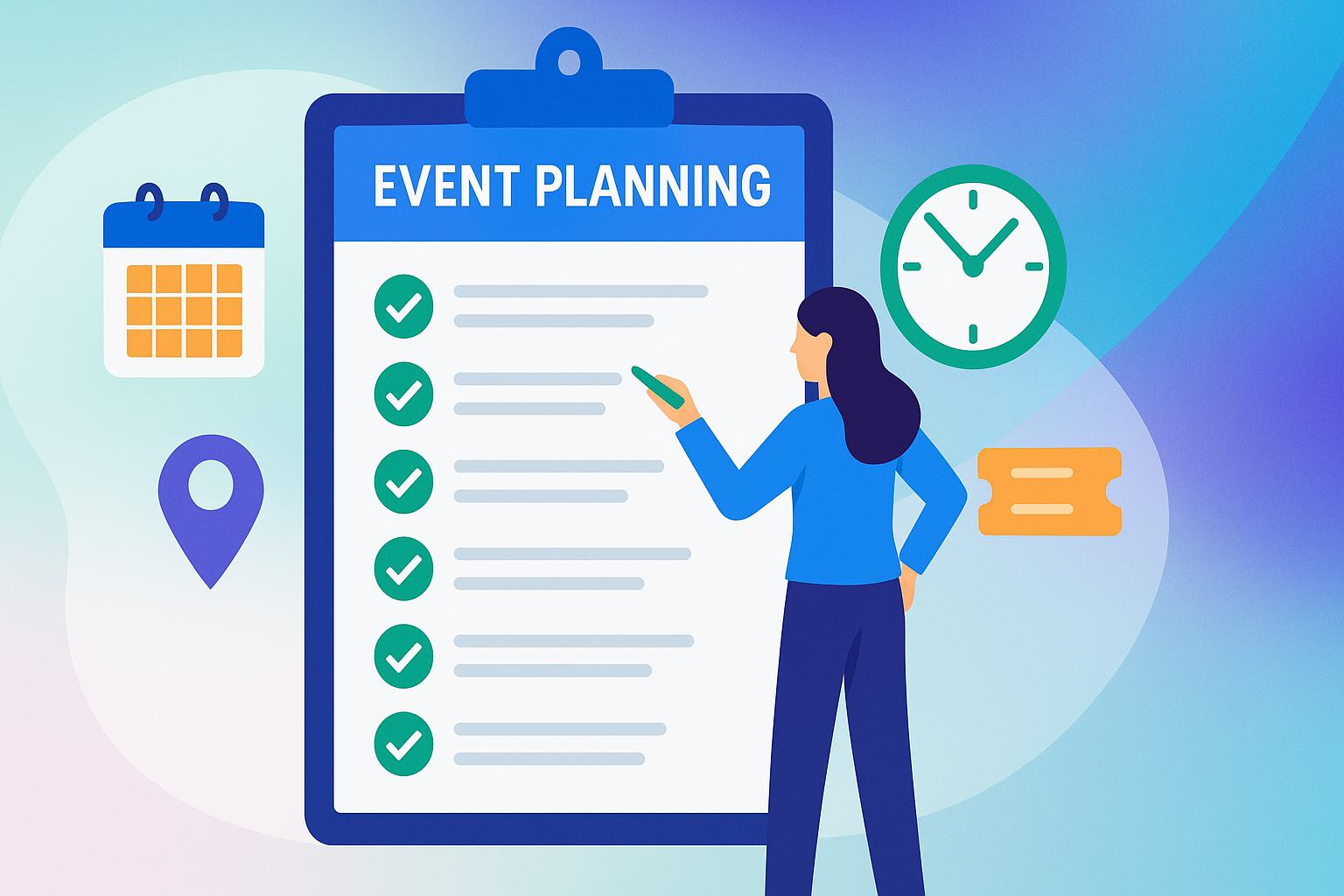
Planning an event can feel overwhelming, but breaking it down into clear, manageable steps helps you stay in control. Whether you’re organizing a conference, workshop, festival, or gala, this guide outlines the 15 essential tasks every organizer should follow for a smooth, successful experience.
1. Set Goals
Define what success looks like for your event. Is it higher attendance, stronger revenue, or deeper attendee engagement? Create measurable goals upfront so you can track progress and demonstrate ROI later.
2. Know Your Audience
Your attendees shape the entire event. Identify who you’re trying to reach. Their roles, industries, and interests, and tailor your content, venue, and communications to meet their needs.
3. Pick the Event Type
Choose the format, in-person, virtual, or hybrid, based on your goals and audience preferences. For example:
- Conferences are ideal for networking.
- Workshops work best for hands-on learning.
- Hybrid events expand accessibility while managing costs.
4. Plan the Budget
Budgeting is one of the most critical parts of event planning. Break down costs into categories like venue, catering, AV, marketing, and ticketing. Always set aside 5–10% as a contingency fund for unexpected expenses.
Pro Tip: Use event management software with built-in budgeting tools to track spending in real time and prevent overruns. Dive deeper with our event budgeting guide to maximize ROI.
5. Book the Venue
Start scouting venues at least 6–8 months ahead. Key considerations include:
- Capacity and accessibility
- Technical setup (AV, WiFi, power)
- Contract terms and hidden fees
- Flexibility with dates
Always request a walk-through and floor plan before signing a contract.
6. Secure Vendors
From catering to AV to décor, vendors play a vital role. When selecting partners, evaluate:
- Relevant experience and references
- Backup plans and insurance coverage
- Clear pricing and deliverables
Centralize vendor details, contracts, and communications in your event management software to stay organized and reduce stress.
7. Create a Marketing Plan
Start promoting your event early. Build an event registration software page that’s simple, branded, and mobile-friendly. A strong plan should include:
- Early bird ticketing promotions
- Email campaigns and social media updates
- Paid advertising, if budget allows
- Frequent updates as the event approaches
Keep registration forms short! Every unnecessary field reduces completion rates.
8. Build an Event Schedule
Your event schedule is the backbone of the experience. Create a detailed timeline that includes:
- Key sessions and speakers
- Breaks and buffer time
- Setup and teardown windows
Publish your schedule in an attendee-friendly format like a mobile-optimized event portal so participants always know what’s next. Read our event schedule guide to learn more on how to keep sessions, speakers, and breaks running smoothly.
9. Lock in Presenters
Confirm speakers or facilitators well in advance. Collect their bios, presentation materials, and technical requirements early. Schedule rehearsals to avoid last-minute surprises.
10. Test Equipment
Don’t wait until event day to discover AV or internet issues. Test microphones, projectors, and WiFi at least a week in advance. Always keep backup cables, adapters, and a secondary internet option ready.
11. Prepare for Event Day
Run a full rehearsal that includes staff, vendors, and presenters. Assign a “command center” or control hub to oversee communications, troubleshoot issues, and monitor the event schedule in real time.
12. Engage Attendees
Smooth check-ins set the tone for the day. Use digital ticketing to speed up entry and reduce wait times, and learn how to sell event tickets online for a seamless attendee experience. Keep attendees engaged with live announcements, real-time updates, and easy access to the schedule.
13. Collect Feedback
Send surveys within 24 hours while the experience is fresh. Ask about:
- Overall satisfaction
- Session quality
- Logistics (venue, catering, check-in)
- Likelihood of attending again
14. Review Event Data
Analyze performance across multiple metrics:
- Attendance vs. registration
- Ticketing revenue
- Session engagement
- Social media reach
Modern event management software makes it easy to generate these reports without relying on manual spreadsheets.
15. Follow Up
Keep the relationship going after the event:
- Send thank-you emails to attendees and sponsors
- Share presentation materials or recordings
- Announce the date of your next event
Post-event communication builds loyalty and helps convert attendees into long-term supporters.
Successful event planning is about more than juggling tasks, it’s about creating seamless experiences that leave attendees satisfied and organizers stress-free. By following this 15-step checklist and using the right event management software, you can simplify registration, ticketing, scheduling, and reporting, giving you more time to focus on what matters most: delivering a memorable event.
Frequently Asked Questions (FAQ)
What are the first steps in event planning?
The first steps are setting clear goals and identifying your target audience. These two factors influence every other decision, from your event type and budget to your marketing strategy and event schedule.
How far in advance should I start planning an event?
For larger events like conferences or festivals, begin planning 6–12 months in advance. Smaller workshops or community events may require 3–4 months, depending on complexity, venue availability, and ticketing needs.
What should I include in an event budget?
Your event budget should cover venue, catering, AV, marketing, ticketing tools, and staffing. Always set aside a contingency fund of 5–10% to cover last-minute changes or emergencies.
How can event management software help organizers?
Event management software simplifies tasks like registration, ticketing, budgeting, and schedule management. It also centralizes communication, provides real-time updates, and generates post-event reports to save time and reduce stress.
What’s the best way to keep attendees engaged during an event?
Engagement starts with smooth check-ins and continues with real-time updates, interactive sessions, and clear access to the event schedule. Digital tools like QR code ticketing and mobile-friendly event portals make participation seamless.