How to Manage Event Team Roles for Better Teamwork
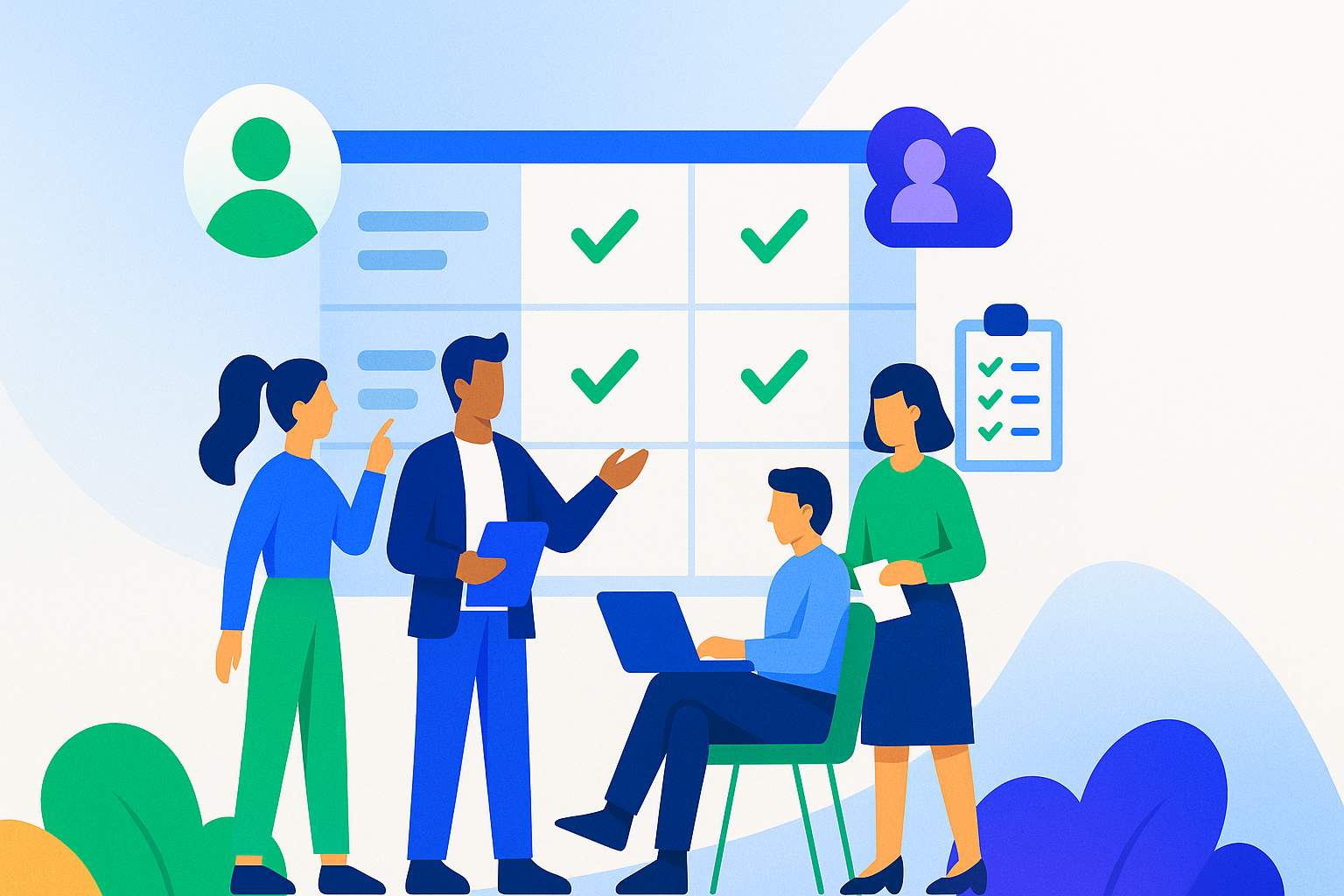

Running an event with a small team does not have to feel chaotic or exhausting. If you have ever answered the same question three times, scrambled to confirm who owns a task, or dealt with last-minute confusion on event day, unclear roles were likely part of the problem.
Strong event teamwork starts with clarity. When everyone knows what they are responsible for, and how their work connects to others, planning moves faster, communication improves, and stress drops. This is especially true for small teams, recurring events, and volunteer-driven organizations.
This guide covers practical, proven ways to define event team roles, improve event staff coordination, and manage event tasks more effectively, without adding unnecessary complexity.
Define Clear Event Team Roles from the Start
Clear roles work best when paired with a structured plan, such as an event planning checklist that maps responsibilities to each stage of the event lifecycle. Without them, tasks overlap, decisions stall, and important details slip through the cracks.
Instead of rigid job descriptions, focus on practical clarity: who owns what, who supports whom, and where decisions live.
Identify the Roles Your Event Actually Needs
Not every event needs a large team. A community fundraiser, a one-day conference, and a multi-day festival all require different levels of structure.
For smaller events, core roles often include:
- Event Manager: Owns the overall plan, timeline, and budget.
- Volunteer Coordinator: Handles recruitment, scheduling, and volunteer communication.
Larger or more complex events may require additional roles, such as:
- Marketing Lead to manage promotion and attendee messaging
- Technical Lead to oversee AV, livestreams, or digital tools
- Operations or Logistics Lead to coordinate vendors, load-in, and on-site flow
Start by listing the essential functions your event requires such as event registration management, promotion, logistics, staffing, and on-site execution, then assign roles based on those needs. This keeps teams lean while ensuring nothing critical is missed.
Clearly Outline Responsibilities for Each Role
Once roles are defined, responsibilities need to be explicit. Each role should clearly state:
- Which tasks they own
- What decisions they can make independently
- When and how they collaborate with others
For example, an Event Manager may approve vendor contracts and budgets, while an Event Coordinator focuses on timelines, schedules, and on-site execution. Clarifying these boundaries early prevents confusion later.
Document responsibilities in a shared workspace and revisit them as planning evolves. This improves event staff coordination and makes onboarding new team members or volunteers far easier.
Use Tools to Reinforce Role Clarity
Email threads and spreadsheets quickly break down as events grow. Event task management tools help teams assign ownership, track progress, and stay aligned without constant check-ins.
A centralized system allows you to:
- Assign tasks to staff and volunteers with clear deadlines
- Track progress in real time
- Reduce duplicate work and missed responsibilities
Purpose-built event management tools support this by centralizing volunteer management and job assignments, keeping role ownership, schedules, and task lists visible in one place.
Set Up Communication That Supports Event Teamwork
Even the clearest roles will fall apart without effective communication. Event teams need simple, reliable ways to share updates, surface issues, and stay aligned as timelines tighten.
Create a Single Source of Truth
Scattered tools create friction. Establish one central hub where your team can access:
- Task assignments and deadlines
- Staff and volunteer schedules
- Event updates, files, and notes
- Real-time messages
When everyone knows where to find information, fewer questions are asked and fewer mistakes are made. Centralization is one of the fastest ways to improve event teamwork across small teams.
Hold Short, Consistent Check-Ins
Regular check-ins help teams stay aligned without draining time. During early planning, weekly meetings are usually enough. As the event approaches, shorter and more frequent check-ins can prevent small issues from becoming major problems.
To keep meetings productive:
- Limit them to 15–30 minutes
- Focus on blockers, upcoming deadlines, and support needs
- Capture action items immediately in your task system
Clear follow-through turns meetings into momentum instead of busywork.
Encourage Open Collaboration
Strong teams communicate beyond scheduled meetings. Encourage staff and volunteers to flag issues early, share ideas, and ask for help when workloads increase.
Set simple guidelines, such as where urgent questions should go and when to use group versus direct messages, to avoid information overload while keeping collaboration easy.
Assign Event Tasks Based on Team Strengths
Matching tasks to individual strengths improves both efficiency and morale. Event planning involves many moving parts, and people perform best when responsibilities align with what they do well.
Match Roles to Skills and Interests
Look beyond job titles. Consider:
- Past event experience
- Communication strengths
- Attention to detail versus creative problem-solving
- Personal interests relevant to the event
Someone who enjoys working with people may excel in volunteer management, while a detail-oriented team member may be better suited for logistics or registration oversight.
Maintain a simple overview of team skills so you can assign responsibilities effectively as needs change.
Track Tasks and Deadlines in One Place
Clear ownership means little without visibility. Event task management works best when tasks, deadlines, and status updates are easy to see.
A shared task list helps you:
- Identify bottlenecks early
- Prevent last-minute scrambling
- Improve coordination between staff and volunteers
Instead of tracking critical tasks through email alone, teams benefit from using event task management tools that provide shared visibility into ownership, deadlines, and progress.
Balance Workloads to Prevent Burnout
Even with clear roles, uneven workloads can derail planning. Regularly review task distribution and be prepared to shift responsibilities during peak periods.
Encourage open conversations about workload. When team members feel supported, they are more likely to ask for help early, before problems escalate.
Build a Collaborative Event Team Environment
Processes matter, but people matter more. Collaboration, trust, and recognition play a major role in keeping teams engaged and focused.
Invite Feedback Throughout Planning
Create space for team input during planning and execution. Short feedback sessions or digital suggestion channels allow ideas and issues to surface early.
Most importantly, close the loop. Acknowledge feedback and explain how it influenced decisions. This builds trust and reinforces shared ownership of the event.
Recognize Contributions Along the Way
Recognition does not need to be formal to be effective. Simple actions like calling out wins in meetings, sending thank-you messages, or acknowledging extra effort, reinforce positive teamwork.
Tailor recognition to individual preferences. Some people appreciate public acknowledgment, while others value private feedback or opportunities to grow.
Address Conflicts Early and Constructively
Disagreements are inevitable under pressure. Address them quickly by focusing discussions on event goals rather than personal preferences.
Encourage active listening, clarify expectations, and document decisions so everyone leaves aligned. When handled well, conflict can lead to better processes and stronger team relationships.
Review and Adjust Roles as the Event Evolves
Event planning is dynamic. Roles and responsibilities often need adjustment as priorities shift and execution begins.
Monitor What Is Working
Watch for signs of friction, such as missed deadlines, duplicated work, or unclear ownership. Regular reviews help you identify when roles need clarification or additional support.
Reassign Tasks When Necessary
If workloads become unbalanced or new needs emerge, redistribute tasks thoughtfully. Communicate changes clearly and involve team members in the conversation to maintain trust and momentum.
Hold a Post-Event Review
After the event, take time to review what worked and what did not. Discuss:
- Which roles felt overloaded
- Where communication broke down
- What processes should change next time
Use these insights to refine role definitions, strengthen volunteer management, and improve event teamwork for future events.
Strong Roles Create Stronger Events
Clear event team roles reduce confusion, improve event staff coordination, and make event task management far more manageable. When responsibilities are defined, communication is centralized, and tasks are visible, teams collaborate more effectively and events run smoother.
Role clarity is not about control. It is about creating an environment where your team can focus on what matters most: delivering a successful event with less stress and better results.
Frequently Asked Questions (FAQ)
What are the most important roles on an event team?
The most important event team roles depend on the size and complexity of your event. At a minimum, most events need someone overseeing planning and logistics, and someone coordinating staff or volunteers. Larger events may require additional roles for marketing, technical setup, and on-site operations.
How do you manage volunteers effectively at events?
Effective volunteer management starts with clear role definitions and simple communication. Volunteers should know exactly what is expected of them, when they are needed, and who they report to. Using a centralized system for schedules and task assignments helps prevent confusion and last-minute issues.
What is the best way to assign event tasks?
Event tasks should be assigned based on both skills and availability. Match responsibilities to team members’ strengths, set clear deadlines, and track progress in one shared place. This approach improves accountability and makes it easier to adjust workloads as the event approaches.
How do you improve teamwork when planning an event?
Improving event teamwork requires clear roles, consistent communication, and shared visibility into tasks and timelines. Regular check-ins, a single source of truth for updates, and open collaboration help teams stay aligned and reduce stress throughout planning.
Why is event task management important?
Event task management ensures that nothing falls through the cracks as planning becomes more complex. Clear task ownership, visible deadlines, and real-time updates help teams stay organized, coordinate staff and volunteers, and execute events more smoothly.