How to Create Clear and Accessible Event Information
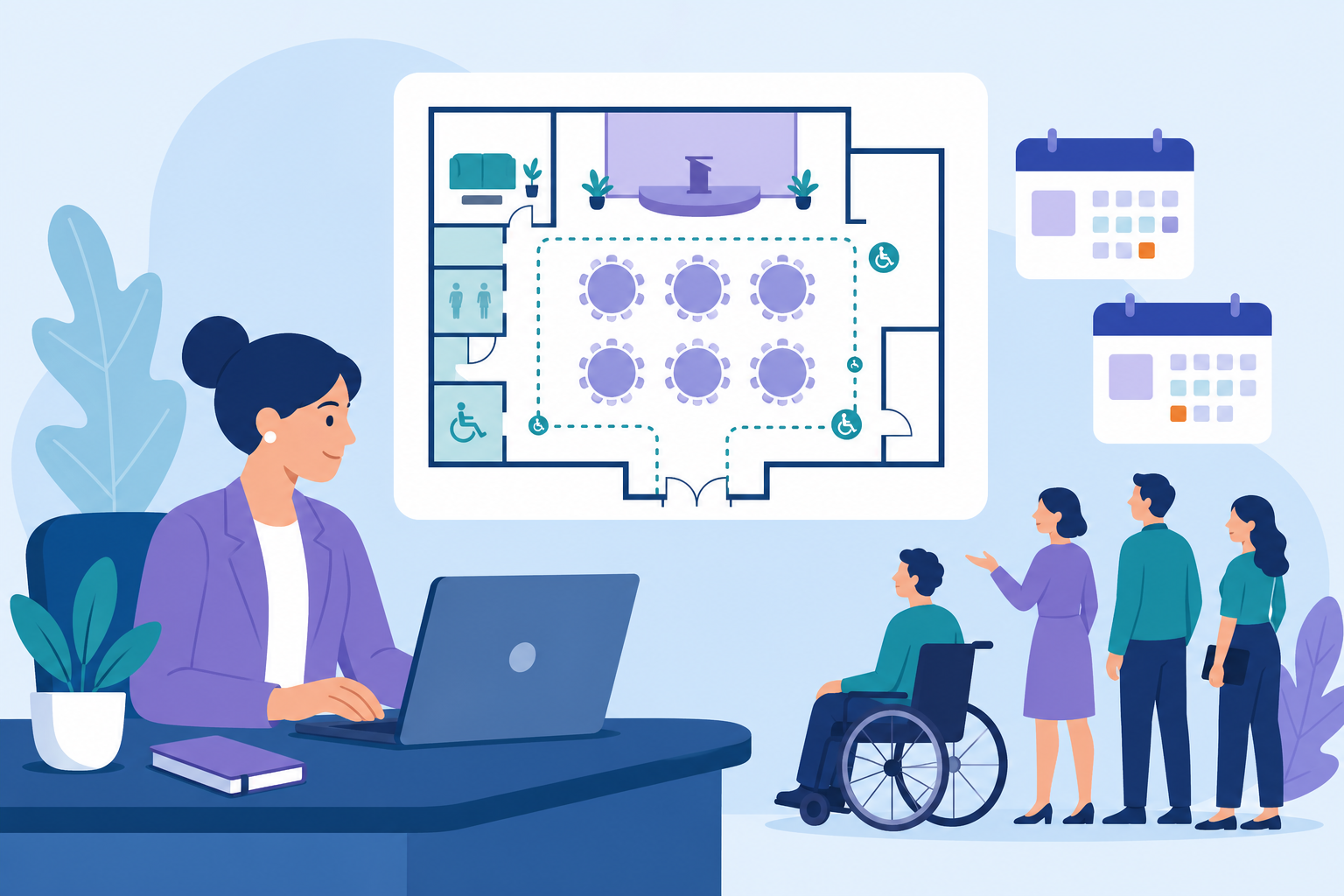
Planning an event means juggling timelines, vendors, stakeholders, and attendee expectations all at once. Most teams do not struggle with effort. They struggle with clarity.
Accessibility is often where that lack of clarity shows up first.
When event information is incomplete or hard to navigate, it leads to registration drop-offs, last-minute questions, and avoidable stress on event day. When it is clear and accessible, everything runs more smoothly.
This guide explains how to make accessible event information a practical part of your event planning process, so your team spends less time reacting and more time delivering a strong event experience.
What Accessible Event Information Actually Means
Accessible event information ensures that every attendee can understand, navigate, and engage with your event without confusion.
It goes beyond basic logistics.
Instead of:
"Parking is available"
Accessible event information looks like:
"Three accessible parking spots are located 50 feet from the main entrance, with space for vehicle ramps."
That level of detail helps attendees plan ahead, reduces uncertainty, and minimizes support requests.
Accessibility vs. Accommodations
These two concepts are often confused, but they serve different roles.
-
Accessibility is proactive You design your event so most attendees can participate without needing to ask for help.
-
Accommodations are reactive You respond to specific requests that go beyond your baseline setup.
Strong events reduce last-minute accommodations because accessibility is built in from the start.
Why Accessible Event Information Matters
It Reduces Friction for Your Team
Unclear event information creates operational issues:
- Incomplete registrations
- Repeated attendee questions
- Last-minute changes and confusion
Clear, accessible information removes these issues early and keeps your team focused.
It Improves the Attendee Experience
Accessible design benefits more than a single group.
It helps:
- Attendees scanning on mobile
- People navigating busy or noisy environments
- Anyone trying to quickly understand your event
When information is easy to find and use, participation increases.
It Prevents Last-Minute Problems
Accessibility expectations are increasing, but most issues are not legal. They are operational.
Common breakdowns include:
- Attendees unable to complete registration
- Missing or unclear venue details
- Confusion around schedules or navigation
Building accessibility into your event planning process prevents these problems before they start.
Core Components of Accessible Event Information
Accessible event information comes down to four key areas: registration, schedules, venue details, and accommodations.
1. Accessible Event Registration
Your registration experience is your first interaction with attendees. If it is difficult to complete, people drop off.
Improve accessibility by:
- Using clear labels for every field
- Making forms easy to navigate with a keyboard
- Providing helpful, specific error messages
- Allowing attendees to share accessibility needs during registration
Using structured event registration software helps centralize this information so your team can track and act on it without relying on manual work.
2. Clear and Scannable Schedules
Attendees should not need to interpret your agenda.
Make schedules easier to use:
- Share them in advance
- Use simple, direct language
- Break content into clear sections
- Include breaks and quiet spaces
A clear schedule reduces confusion and helps attendees plan their time.
3. Detailed Venue Information
Uncertainty about the venue creates unnecessary stress.
Provide details such as:
- Distance from parking or transit to the entrance
- Step-free access points
- Elevator availability
- Accessible restrooms
- Quiet or low-sensory areas
When attendees can picture the experience ahead of time, they arrive more confident and prepared.
4. Simple Accommodation Requests
Even with strong accessibility, some attendees will need additional support.
Make the process straightforward:
- Include a dedicated section in registration
- Provide a clear contact method
- Confirm requests quickly
- Communicate what is available early
Accessibility requests should feel like a normal part of your workflow.
Designing Accessible Event Information Without Overcomplicating It
You do not need technical expertise to improve accessibility. You need clarity and consistency.
Keep Visual Design Simple
- Use high contrast between text and background
- Choose clean, readable fonts
- Avoid relying on color alone to communicate meaning
- Ensure buttons and links are easy to click or tap
If something is difficult to read or interact with, it slows everyone down.
Make Digital Content Easy to Navigate
Whether it is your event page or registration flow:
- Use clear headings and logical structure
- Ensure everything works with a keyboard
- Add descriptive text to images
- Provide captions or transcripts for video content
These improvements also support search visibility and make your content easier for AI systems to interpret.
Offer Alternative Formats When Needed
Some attendees will need information in different formats.
Prepare by:
- Providing large-print versions of key materials
- Sharing documents in accessible digital formats
- Sending materials in advance
This reduces last-minute requests and improves overall experience.
Accessibility in Virtual and Hybrid Events
Accessibility becomes more visible in virtual environments because every interaction depends on your platform and content setup.
Prioritize Captions and Clear Communication
- Use live captions for sessions
- Ensure speakers describe visuals out loud
- Share presentation materials in advance
Human-supported captioning is generally more accurate than automated tools, especially for longer sessions.
Choose the Right Event Platform
Not all platforms support accessibility equally.
When evaluating event management software, look for:
- Keyboard-friendly navigation
- Compatibility with screen readers
- Customizable display settings
- Reliable support for captions and interpretation
For example, if your registration tool and event platform are disconnected, accessibility requests can easily be missed or delayed. A centralized event platform reduces these gaps and keeps everything aligned.
Building Accessibility Into Your Event Planning Process
Accessibility works best when it is part of your workflow, not something added at the end.
Align Your Team Early
Make sure your team understands:
- What accessible event information looks like
- How to communicate clearly with attendees
- Where accessibility details are managed
This reduces confusion and improves consistency.
Centralize Your Event Data
When accessibility details are spread across emails and documents, things get missed, which is a common issue explored in why spreadsheets fail at event time.
Using event management software to centralize:
- Registration data
- Attendee needs
- Venue information
- Communication
…ensures your team has a clear, shared view.
This is especially important for:
- Small teams managing everything at once
- Organizations running multiple events
- Teams planning recurring annual events
Assign Clear Ownership
Accessibility needs accountability.
Assign someone to:
- Ensure information is complete and accurate
- Track and manage requests
- Coordinate across teams
Without ownership, important details are often overlooked.
Measuring and Improving Accessibility
Accessibility improves when you treat it as part of event performance.
Gather Specific Feedback
Ask targeted questions:
- Was event information easy to understand?
- Were accessibility needs met?
- Where did confusion occur?
Make it easy to respond and allow anonymous feedback.
Review Real Behavior
Look at:
- Registration completion rates
- Support requests
- Session attendance patterns
For example, if attendees drop off during registration, the issue is often form clarity or usability.
Apply What You Learn
Use insights to improve future events:
- Reduce support requests
- Increase registration completion rates
- Improve attendee satisfaction
Accessibility becomes a repeatable advantage over time.
Accessible event information improves both the attendee experience and your team's ability to execute.
It reduces confusion, increases participation, and leads to smoother events overall.
Start with the fundamentals:
- Make registration clear and easy to complete
- Provide detailed, usable event information
- Centralize your data and workflows
- Build accessibility into your event planning process
These changes lead to fewer issues, stronger attendance, and more consistent results across every event you run.
Frequently Asked Questions (FAQ)
What is accessible event information?
Accessible event information ensures all attendees can understand and use event details, regardless of ability. This includes clear registration, readable schedules, and detailed venue information.
How does accessibility impact event registration?
Accessible registration improves completion rates, reduces errors, and ensures attendees can communicate their needs early. Using structured event registration software makes this process more reliable.
Do I need special tools to support accessibility?
Not necessarily. However, the right event management software makes it easier to manage accessibility at scale by centralizing data and workflows.
What is the fastest way to improve event accessibility?
Start with clarity:
- Simplify registration forms
- Provide detailed event information
- Make schedules easy to scan
These changes often reduce support requests and improve attendee experience immediately.
How does accessibility improve event outcomes?
Better accessibility leads to higher registration completion, fewer support issues, and stronger attendee satisfaction, which improves overall event performance.