Why App-Only Event Platforms Fall Short
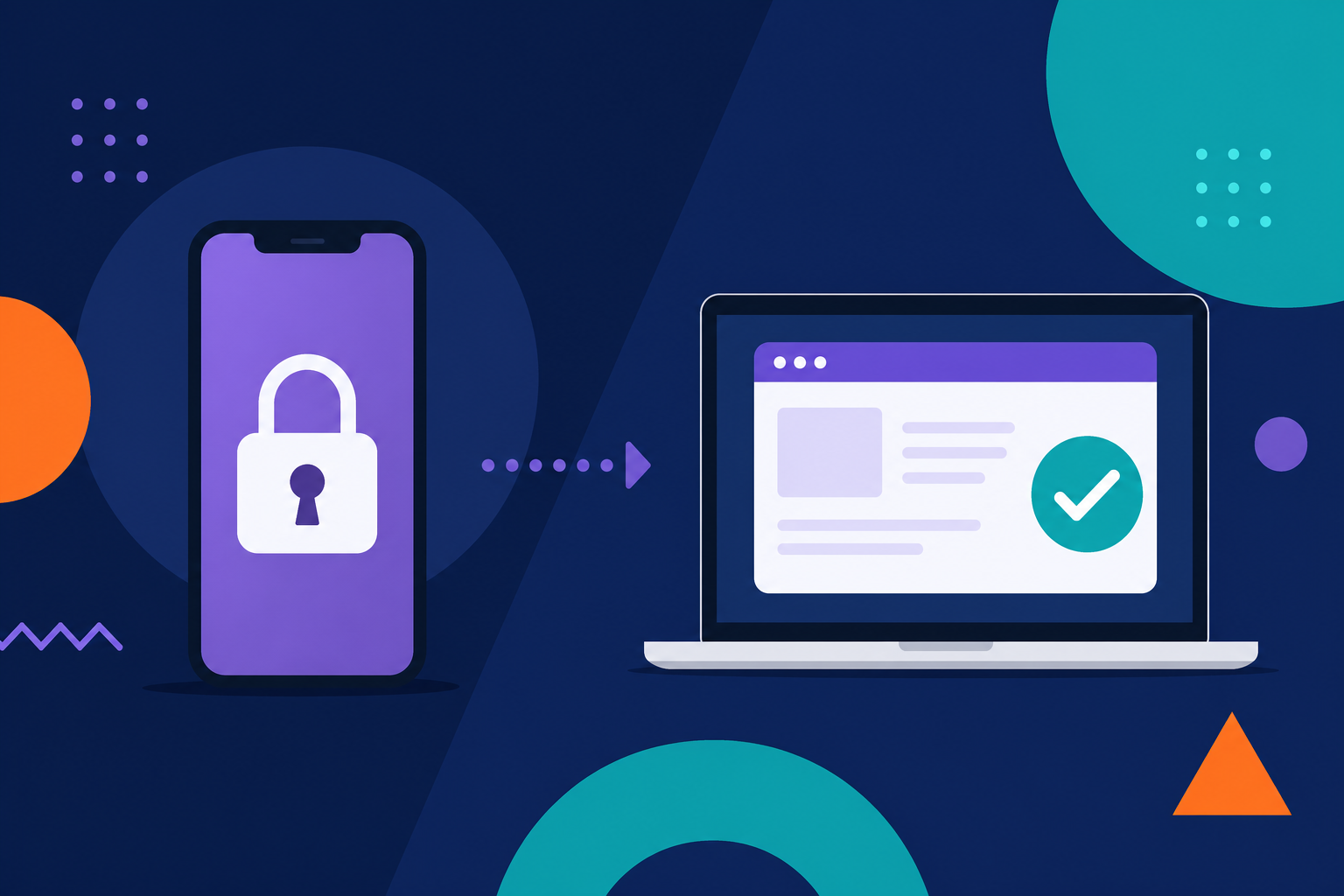
If you've ever launched an event app and realized halfway through your event that attendees weren't using it, you're not alone.
At the exact moment people need quick access to schedules, updates, and event details, many simply don't download the app. Others struggle with access or give up entirely.
This creates a gap at event time when clarity and communication matter most.
It's one of the key reasons organizers are rethinking their approach to event management software and turning to web-based platforms that remove friction instead of adding it.
App-Only Platforms Create Unnecessary Barriers
Device and Download Friction
Requiring attendees to download an app introduces multiple points of friction:
- Searching for the app in an app store
- Downloading and installing it
- Accepting permissions
- Learning a new interface
Each step reduces the likelihood of adoption.
For smaller teams running community events, this often shows up as repeated questions at check-in:
- Where do I find the schedule?
- Do I need to download something?
A browser-based experience removes these barriers. Attendees can access everything instantly through a link or QR code without extra steps.
Compatibility Limitations
Not every attendee is using the latest smartphone. Many rely on older devices, tablets, or desktops.
App-only platforms often:
- Require specific operating systems
- Exclude desktop users
- Perform inconsistently across devices
For multi-event organizers managing different audiences and venues, this creates unnecessary complexity.
Modern event planning tools should work across all devices without requiring downloads or upgrades.
Accessibility Is Often Overlooked
Accessibility is essential for delivering a consistent event experience, yet it is frequently under-supported in app-based platforms.
Common issues include:
- Limited screen reader compatibility
- Poor keyboard navigation
- Low color contrast
- Confusing layouts and unclear labels
When these issues exist, attendees may struggle to:
- Complete registration
- View schedules
- Navigate sessions independently
What This Means at Event Time
For annual events or high-attendance conferences, these gaps create real operational challenges:
- Delays at check-in
- Increased support requests
- Frustration for attendees who cannot access information easily
Actionable Checklist
When evaluating event registration software or platforms, confirm:
- Screen reader compatibility
- Logical navigation structure
- Clear labeling of buttons and links
- Usability on both mobile and desktop
If accessibility is not built in, it becomes a manual workaround that is difficult to maintain. When evaluating event registration software, confirm it supports screen readers, clear navigation, and consistent usability across devices.
Connectivity Shouldn't Determine Access
Event environments are unpredictable when it comes to connectivity.
Common scenarios include:
- Overloaded venue Wi-Fi
- Weak cellular signals
- Large crowds competing for bandwidth
App-based experiences often depend on constant connectivity. When that connection drops, so does access to key features.
Attendees may experience:
- Missing schedules
- Delayed updates
- Non-functional messaging
Operational Impact
For organizers managing multiple sessions or large venues, this leads to confusion and last-minute adjustments.
Some attendees stay informed while others miss critical updates.
What to Do Instead
Choose event app alternatives that:
- Cache essential information such as schedules and maps
- Continue functioning in low-connectivity environments
- Do not rely on constant syncing
Why Web-Based Platforms Work Better
Web-based platforms eliminate many of the barriers created by app-only approaches.
Attendees can:
- Access event information instantly through a browser
- Use any device including mobile, tablet, or desktop
- Avoid downloads entirely
Key Advantages
- Faster access with no installation required
- Higher adoption due to reduced friction
- Compatibility across all devices
- Real-time updates without delays
- Search visibility for event content
For organizers, this translates into fewer support issues and a more consistent attendee experience.
Choosing the Right Event Platform
Not all event management software is designed for real-world event conditions, so it's important to prioritize usability and reliability over feature lists.
When evaluating options, focus on usability and reliability over feature lists.
What to Look For
-
Instant Access
- Attendees should reach key information within seconds
- QR codes or direct links should provide immediate entry
-
Cross-Device Experience
- Seamless performance on both mobile and desktop
- No dependency on operating systems
-
Reliable Performance
- Works in low or unstable connectivity
- Loads quickly in high-traffic environments
-
Accessibility Built In
- Supports assistive technologies
- Uses clear and readable design
-
Centralized Tools
- Combines scheduling, communication, and event registration software
- Reduces reliance on multiple disconnected systems
Event-Day Reality: A Practical Scenario
Consider a live event with multiple sessions:
- A speaker cancels
- A room changes
- Attendees need updates immediately
With app-only platforms:
- Updates may not reach everyone
- Some attendees never see the changes
With web-based platforms:
- Updates appear instantly
- All attendees access the same information in real time
This difference directly impacts both attendee experience and team workload.
How to Improve Accessibility and Adoption
You do not need to overhaul your entire workflow to see improvements.
1. Simplify Access
Replace app download requirements with:
- Direct links
- QR codes at check-in and signage
2. Test Real Conditions
Before your event:
- Simulate poor Wi-Fi
- Test across multiple devices
- Confirm speed and usability
3. Prioritize Clarity
Ensure attendees can:
- Find schedules quickly
- Navigate without instructions
- Access updates easily
4. Reduce Tool Fragmentation
Use event planning tools that centralize:
- Registration
- Scheduling
- Communication
Many teams still rely on disconnected tools, which is one reason why spreadsheets fail at event time and create unnecessary risk as events get closer.
App-only platforms often introduce friction at the exact moment your event needs to run smoothly.
From low adoption to accessibility gaps and connectivity issues, they can limit how attendees engage with your event.
Web-based platforms offer a more practical alternative. They simplify access, improve reliability, and create a more inclusive experience for every attendee.
For organizers evaluating event management software, the priority is clear:
- Make access simple
- Make information reliable
- Make the experience work for everyone
If your current setup depends on app downloads, it may be time to explore an event web app that improves access and reliability for every attendee before your next event.
Frequently Asked Questions (FAQ)
Do attendees really prefer web-based event platforms over apps?
In most cases, yes. Attendees are more likely to engage with a platform that requires no download and works instantly on any device. Web-based platforms reduce friction, which leads to higher adoption and fewer support issues during the event.
What are the main drawbacks of using an event app?
Event apps often create barriers such as low download rates, device compatibility issues, and reliance on strong internet connections. These limitations can prevent attendees from accessing schedules, updates, and key event information when they need it most.
How do web-based platforms improve event accessibility?
Web-based platforms are typically easier to design for accessibility because they support screen readers, keyboard navigation, and responsive layouts across devices. This helps ensure all attendees, including those using assistive technologies, can participate fully.
Can web-based event platforms work without internet access?
Many web-based platforms can cache essential information like schedules and maps for offline use. While some features may still require connectivity, attendees can continue accessing key event details even in low-connectivity environments.
What should I look for in event management software today?
Focus on platforms that provide instant access, cross-device compatibility, built-in accessibility, and reliable performance in real-world conditions. The best solutions also combine scheduling, communication, and event registration software into one centralized system.