Badge Data
- Names
- Company and title fields
- Badge types
- Empty or broken fields
Review attendee data, badge layout, QR codes, print settings, test prints, and badge pickup preparation before you produce the final batch.
Use it with ClearEvent Badge Maker or any badge printing workflow your team already has in place.
ClearEvent Resource
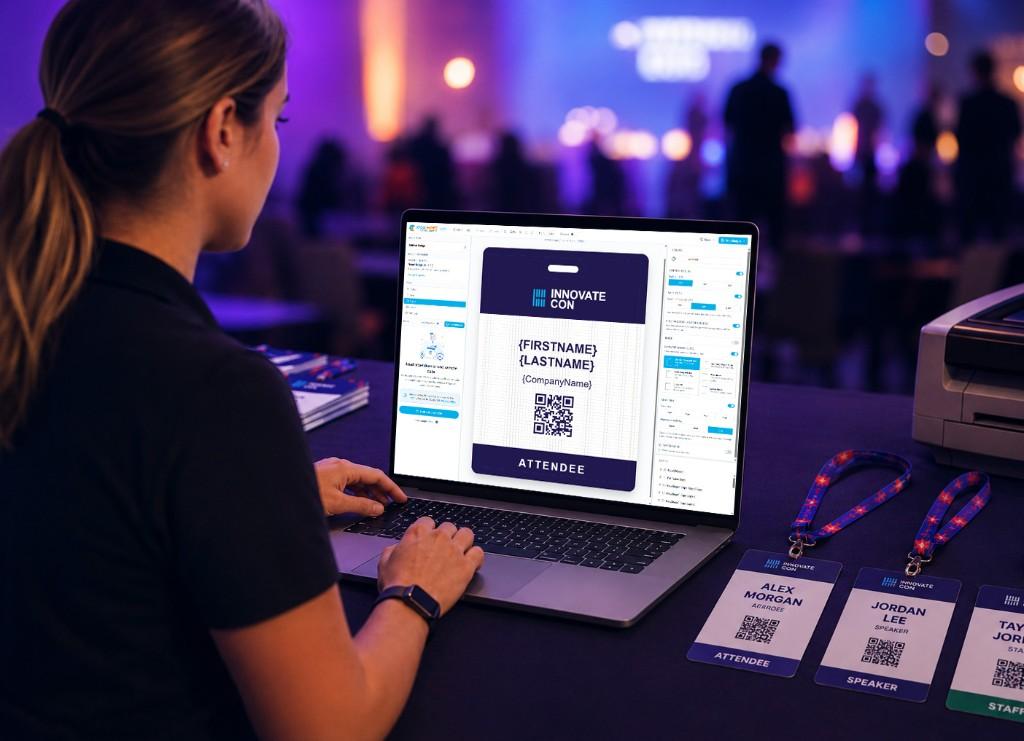
Badge printing often looks simple until event week, when small attendee data issues, layout problems, QR code concerns, printer scaling, or missing pickup plans start creating friction.
Badge printing problems usually come from unclean attendee data, unreadable layouts, incorrect printer scaling, untested QR codes, and no clear plan for sorting and pickup on event day.
Once you know what to check, ClearEvent Badge Maker helps you create event badges from CSV data, preview each badge, and export a print-ready PDF.
Start with a current CSV from your registration, ticketing, or attendee management system.
Bring names, roles, companies, and QR code values into ClearEvent Badge Maker.
Create one badge layout, map merge fields, and preview individual attendee badges.
Download a PDF for Avery-compatible sheets or your selected badge stock.
Printing without cleaning attendee data first.
Designing badges that look good on screen but are hard to read in print.
Placing QR codes too small or too close to other elements.
Printing with fit-to-page or automatic scaling enabled.
Skipping test prints, final proofing, and event-day sorting prep.
ClearEvent helps teams manage registration, attendee updates, communications, schedules, and event-day workflows before badge printing becomes urgent.
Short answers for organizers preparing event badges.
Download the PDF and review your badge workflow before printing.
Download the ChecklistOpen ClearEvent Badge Maker and export print-ready badges from your attendee data.
Open Badge Maker